After a lot of tweaks and iterations and testing I decided to go with an external antenna, yes it adds to the cost, but the improved signal is a game changer. I tested a whole bunch of external antenna models and settled on an omnidirectional antenna. I also decided to get rid of the Mini USB type B port in favor of the USB-C port that is the standard in Europe. A couple of people complained that they do not have the old cable anymore and I agree, it is time to move forward. LEDs were added to make the dongle easier to test but ultimate this makes installation super easy, because you know immediately when the dongle is communicating with the inverter, there are 2 colours flashing rapidly.
I finally feel that V5 Revision 4 is now an upgrade to the V4.
Going forward I will only make new V5 circuits and will also make these available to international shipments in the next couple of weeks.
Features
RS485 Operation like the V4 Dongle (with RS485 Cable connected)
RS232 Operation to allow a model that plugs directly into the inverter like a factory dongle (DB 9 Port)
USB-C to allow flashing without opening the case, USB-C can also power the dongle
External Antenna giving you stable operation even when the wifi signal is not great
LED Action to show you when 2 way communication is happening (on RS485 and RS232).
Input Voltage that supports 6-36V input that allows you to power directly from the inverter 12V RSD Source
A Protective case included with every dongle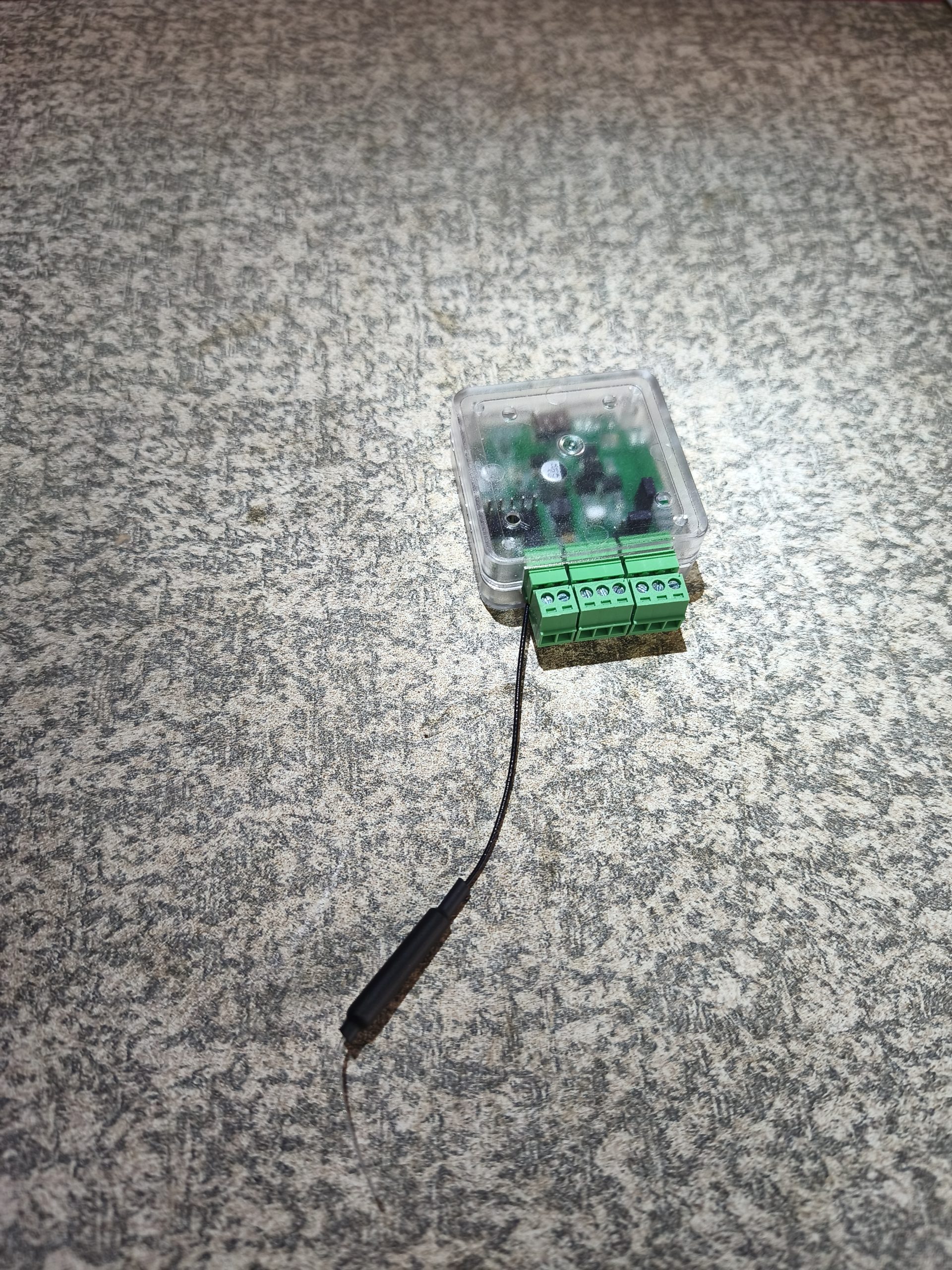
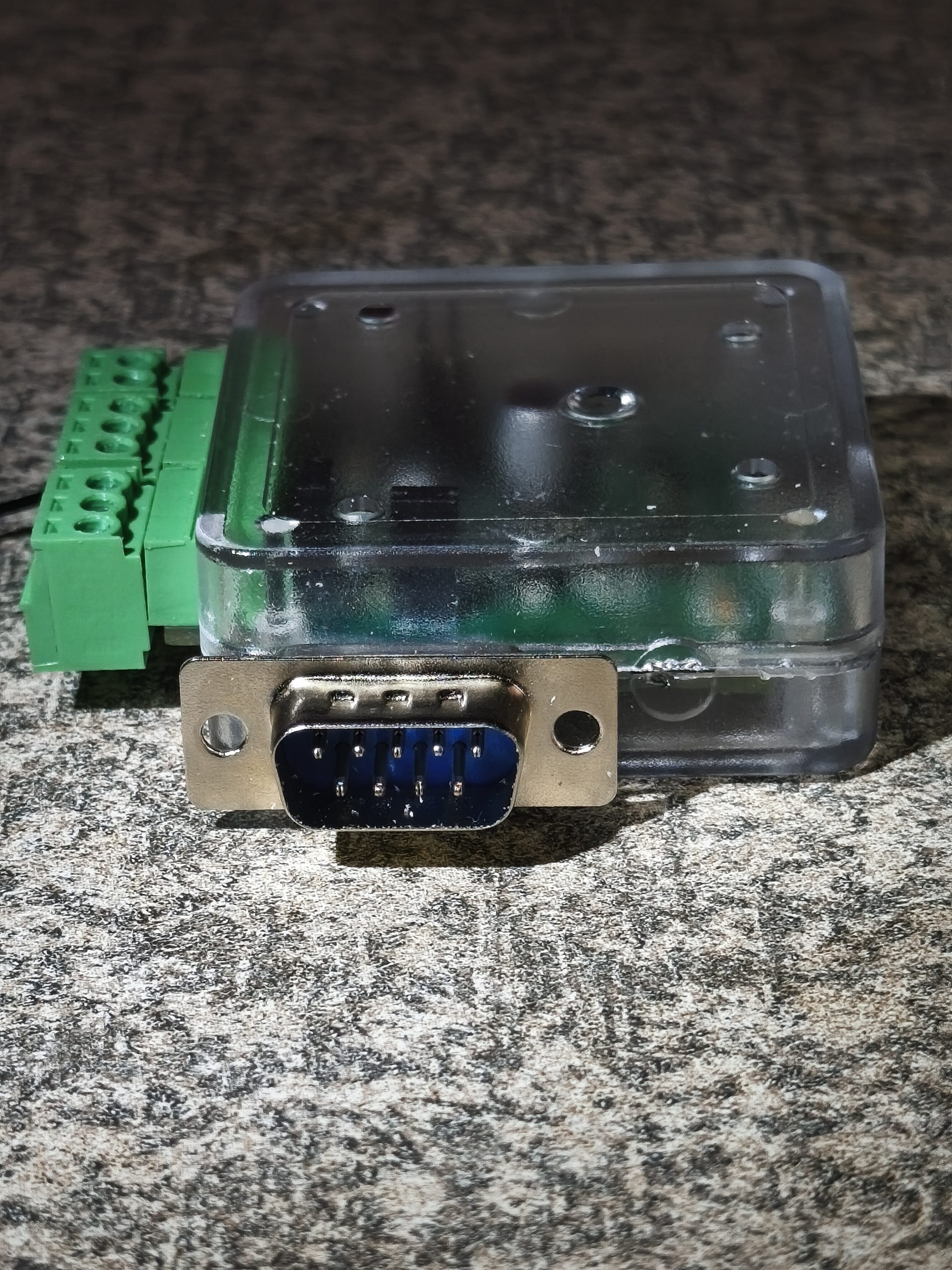
Factory Replacement Dongle (V5 but with a DB9 Port that connects to the bottom of the inverter)
I will custom build a small amount of models that can plug into the Inverter directly replacing the factory Dongle.
For now this is a custom solder job so bear with me. Trying to test the waters to see if this would be something that sells.
It also requires a slight modification to the case to let it close (which requires a small file and a bit of effort).
This is by far the simplest install, you remove the factory dongle, plug the smartDeyeDongle into the DB9 port link the wifi and you are done. No need to worry about power, it sources and connects the power directly from the DB9 Source, no need to install a cable inside the inverter and no need to split the ports. It has all the same features than the Dongle above.